Inventory Management
Inventory management is the module where you track which product is in which warehouse and in what quantity. Record material purchases, attach invoices, and see real-time inventory status.
What is Stock?
It's a combination of Product + Warehouse + Quantity. The same product can exist in different warehouses in different quantities.
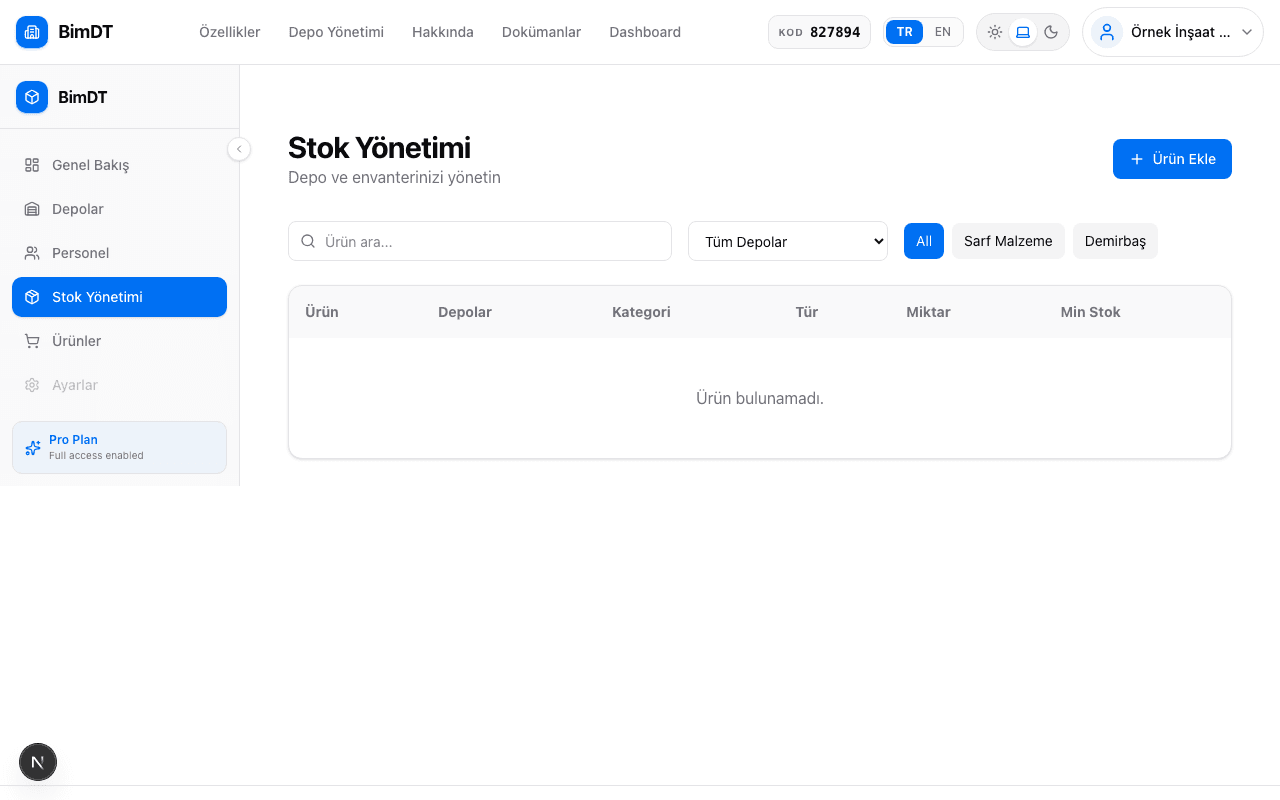
Adding New Stock
- 1
Go to the Inventory page
Click the Inventory menu in the left sidebar.
- 2
Click the Add Stock button
Click the Add Stock button in the top right corner of the page.
- 3
Enter stock details
Field Required? Description Product Yes Select the product from the list (must be defined first) Warehouse Yes Select the warehouse where the product is located Quantity Yes How many units were purchased? Unit Yes Pieces, kg, m, m², liters, etc. Invoice File No Invoice in PDF or image format Uploading an invoice is not required, but if you do, you can use it as a reference in the future. - 4
Click the Save button
Once stock is saved, it appears in the Inventory list and the available quantity is updated.

Low Stock Alert
When a stock item drops below a certain quantity, the system alerts you:
- The relevant row on the Inventory page is highlighted in red
- It is listed in the "Low Stock Alerts" section on the Dashboard

Invoice Tracking
An invoice file can be attached to each stock entry. To see the invoice history, click on the relevant stock item and go to the Invoice History section.
Filtering and Searching
| Filter | What It Does |
|---|---|
| Product name search | Type the product name in the search box |
| Filter by type | Show only Consumables or Fixtures |
| Filter by warehouse | List stock in a specific warehouse |
Sıkça Sorulan Sorular
I can't see the product in the list when adding stock, what should I do?
The product must have been previously defined on the Products page. Add the product first.
How can I keep the same product in two different warehouses?
When adding stock, change the warehouse selection to create two separate stock records for the same product.
I forgot to upload an invoice, can I add it later?
Yes, you can add an invoice by editing the stock record.
Can I create an asset loan for a consumable?
No, asset loans can only be created for Fixture type products.