Personnel Management
The Personnel module allows you to register internal employees and subcontractor workers who provide services from outside. Personnel must be defined for the asset loan system.
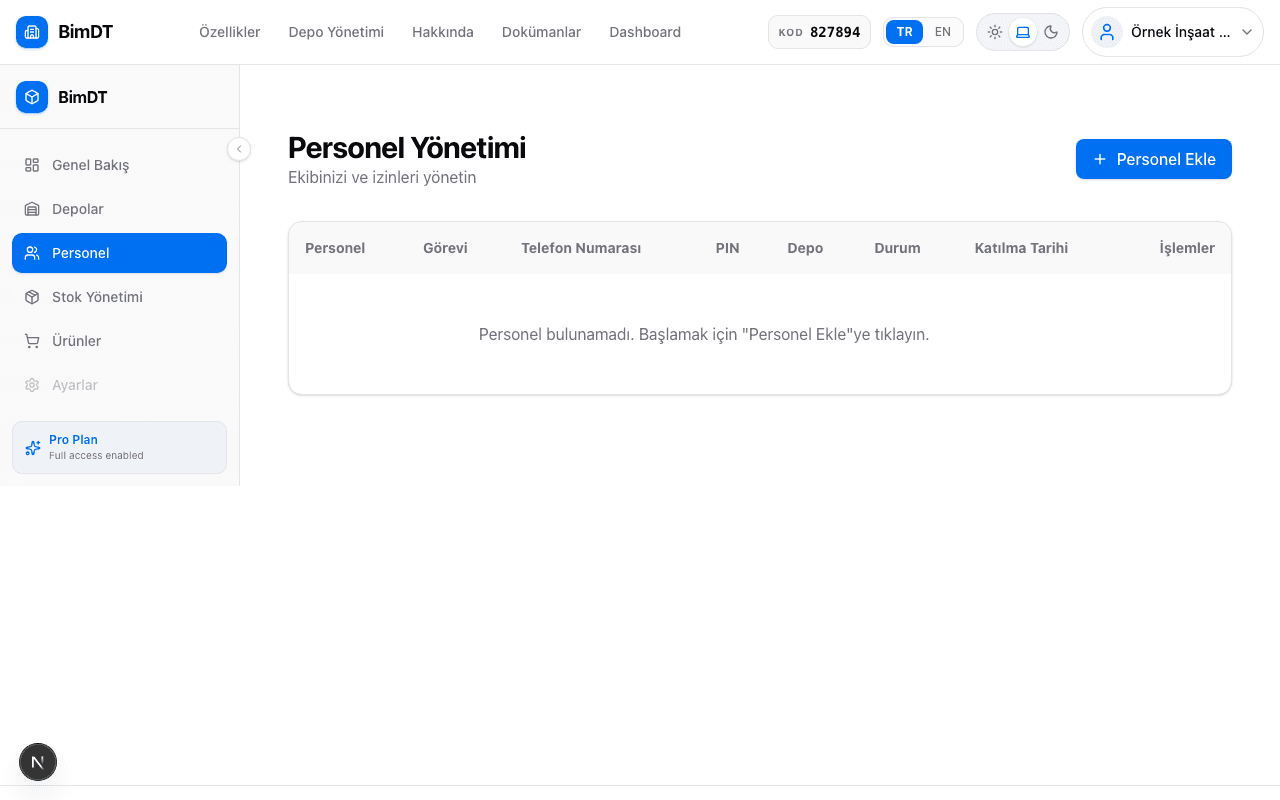
Adding New Personnel
- 1
Go to the Personnel page
Click the Personnel menu in the left sidebar.
- 2
Click the Add Personnel button
Click the Add Personnel button in the top right corner of the page.
- 3
Enter personal details
Field Required? Description First Name Yes Personnel's first name Last Name Yes Personnel's last name Photo No Personnel's profile photo (JPEG, PNG) - 4
Select a role
Role What They Can Do Internal Staff Employee within the company Subcontractor Person providing service from outside Warehouse Supervisor Can perform stock entry and tracking operations Purchasing Officer Can add stock; can upload invoice documents for purchased products to the system A personnel member can be both "Internal Staff" and "Warehouse Supervisor". Roles can be combined. - 5
Assign warehouse and set status
Select the warehouse the personnel will work in. Status: Active or Inactive.
- 6
Click the Save button
When personnel is saved, a PIN code is automatically assigned and they appear in the list.

What is a PIN Code?
Each personnel member is automatically assigned a unique PIN code by the system. This code can be used for identity verification in the field. The personnel cannot change their own PIN.
Making Personnel Inactive
Instead of deleting personnel who have left, it is recommended to set them to Inactive status. This way, past asset loan and transaction records are preserved.
Uploading a Photo
Upload a file in JPEG or PNG format, preferably under 2 MB.
Sıkça Sorulan Sorular
What is the practical difference between subcontractor and internal staff?
System-wise, asset loans can be created for both. The distinction matters more in reporting and Dashboard charts (personnel distribution).
Can I completely delete a personnel member?
Yes, but deleting personnel may affect their past asset loan records. Setting them to Inactive is recommended instead.
The PIN code is lost, what can I do?
You can regenerate the PIN from the personnel editing screen.