Warehouse Management
Warehouses are physical or logical areas where you organize your inventory. Every stock item must be linked to a warehouse.
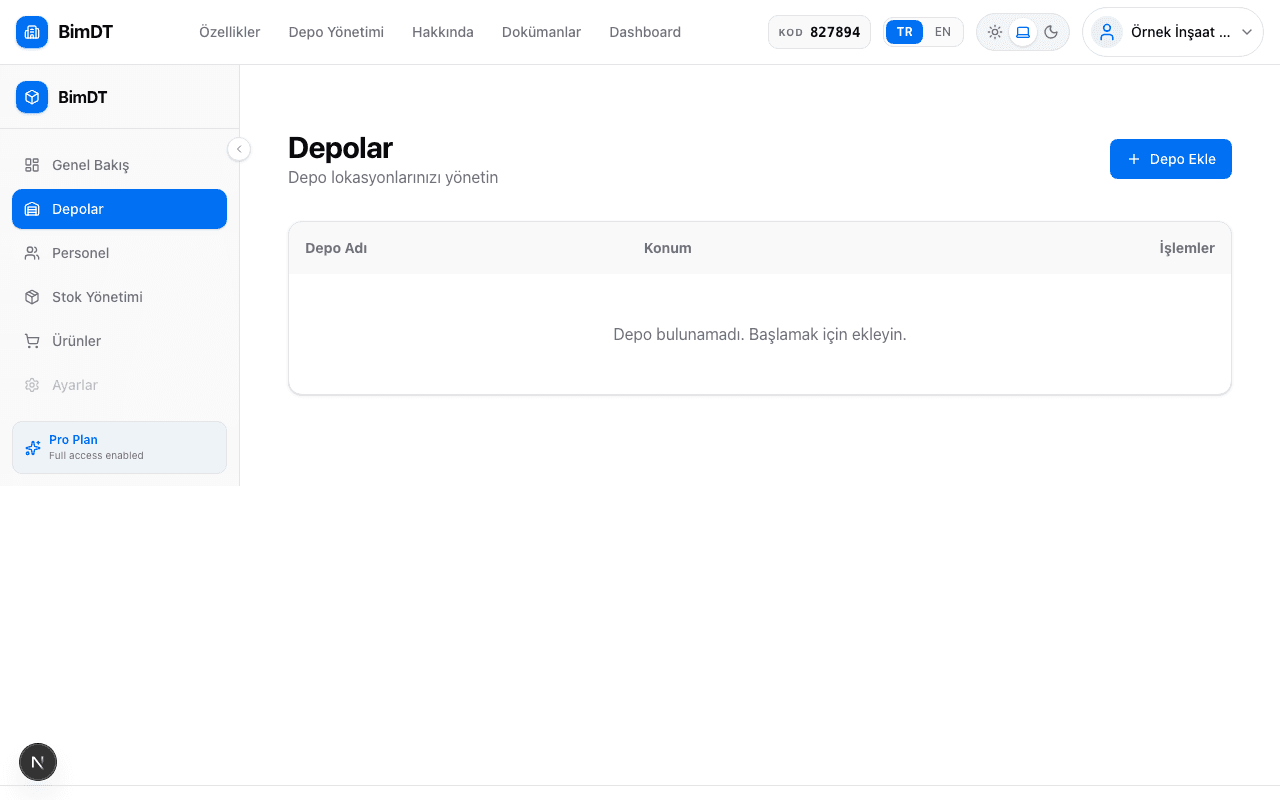
Creating a New Warehouse
- 1
Go to the Warehouses page
Click the Warehouses menu in the left sidebar.
- 2
Click the Add Warehouse button
There is an Add Warehouse button in the top right corner of the page.
- 3
Enter warehouse details
Field Required? Description Warehouse Name Yes A name that identifies your warehouse (e.g. "Main Warehouse") Location / Address No Physical address or location of the warehouse Keep the warehouse name clear and short. You'll select this name from a list when adding stock. - 4
Click the Save button
Once the warehouse is successfully created, it will appear in the list.

Editing and Deleting Warehouses
To change the name of an existing warehouse, click the Edit icon on the warehouse card.
Tips
Sıkça Sorulan Sorular
How many warehouses can I create?
There is no limit; you can create as many warehouses as you need.
What happens to the stock inside a warehouse after it's deleted?
A warehouse with stock inside cannot be deleted. You must first move or delete the stock.
Can I change the warehouse name later?
Yes, you can change it at any time using the edit icon.